How to Create a Kitchen Command Center
Imagine it is Monday morning. You are looking for your car keys, a permission slip for school, and a charger that actually works. In 2026, the kitchen isn’t just for cooking; it’s the “operating system” of your home.
Most people struggle with a “junk drawer” mentality. Scattered sticky notes and lost mail cause daily stress for 58% of homeowners. You can fix this.
You will learn how to turn a messy countertop into a sleek, AI-assisted kitchen command center. This guide helps you master home organization through smart smart home integration.
Command Center Builder
Select a Layout
Click a style below to see how to organize your home’s hub based on your kitchen size.
How to Choose the Right Spot for Your Hub
You need a central location to make this work. Many homeowners fail because they put their hub in a low-traffic corner.
A 2025 survey showed that 62% of people want to clear their kitchen counters first. Use this goal to pick your spot.
3 Ways to Fit Your Layout
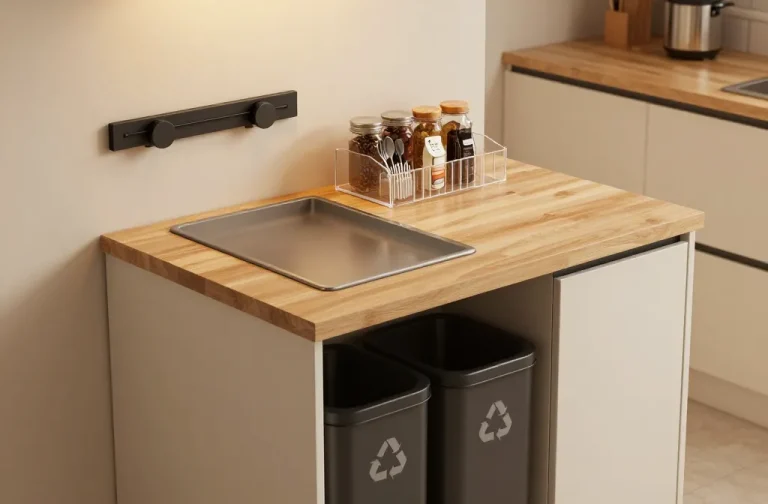
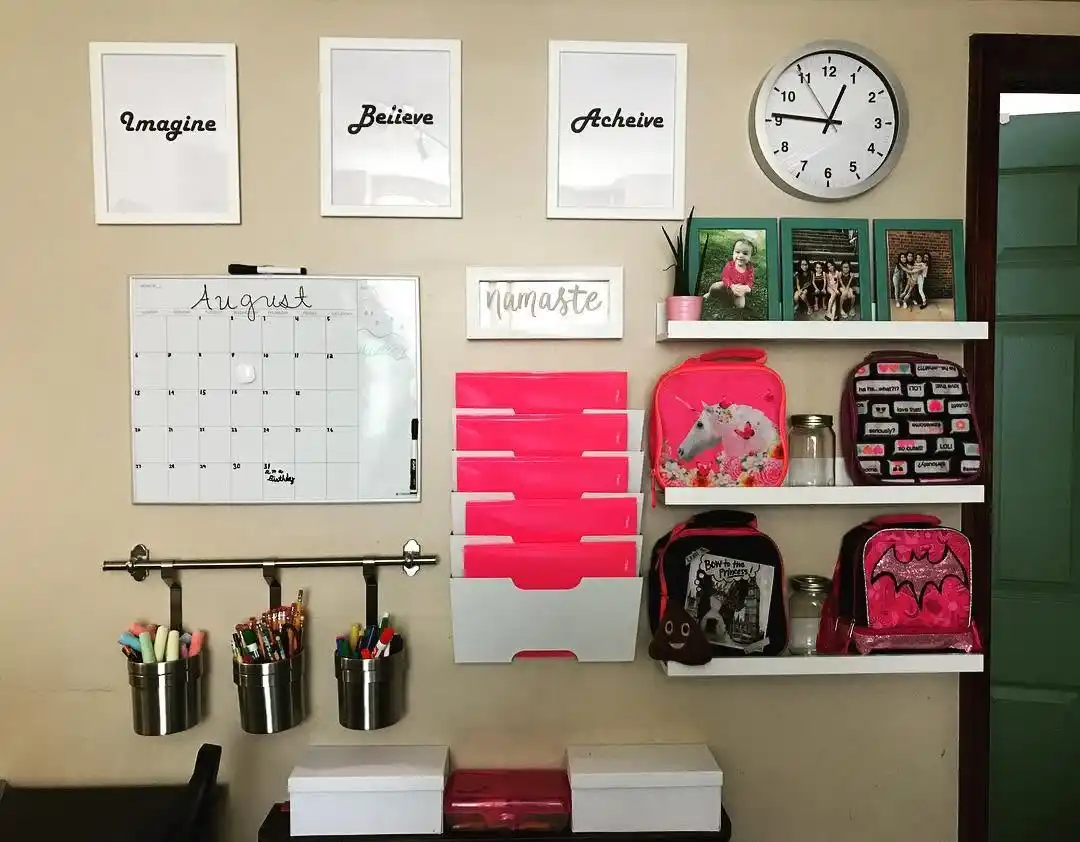
- The Wall-Mounted Hub: Best for small kitchens. Use vertical space to keep surfaces clear.
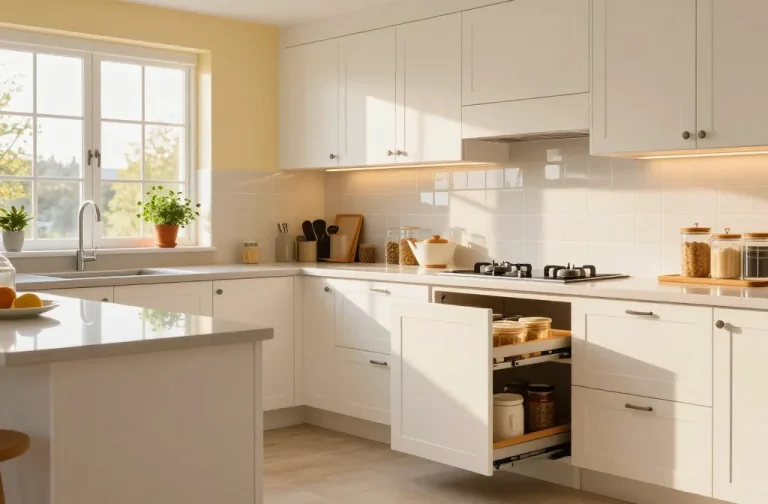
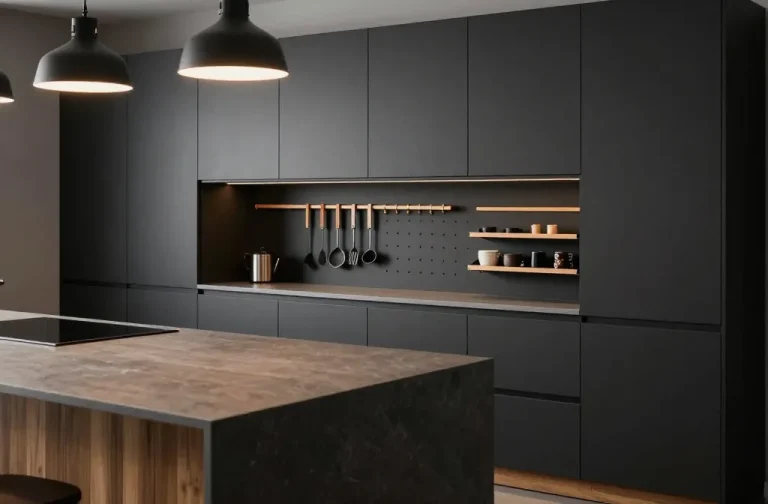
- The Cabinet Command Center: Great for people who hate visual clutter. Tuck everything inside a pantry or end cabinet.
- The Hidden Niche: Use that awkward space between the fridge and the wall.
Think about your kitchen layout. Proper spatial planning ensures you don’t block the stove or sink. Your goal is a clutter-free zone that feels natural to use every day.
Why You Need a Digital Backbone
Hardware is the heart, but software is the brain. Paper calendars are hard to update and easy to lose. In 2026, smart home tech is the standard for busy families.
Recent industry reports show that 60% of people now prefer appliances that talk to a central hub.
Must-Have Digital Tools
- A Large Touchscreen: Devices like the Echo Show 15 or Google Nest Hub Max act as your digital family calendar.
- AI Kitchen Appliances: Modern fridges now track your milk and eggs automatically.
- Syncing Apps: Use AnyList or Dakboard to share grocery lists across every family member’s phone.
This setup does the heavy lifting for you. For example, a Samsung Family Hub can suggest recipes based on what is about to spoil in your fridge. It moves the “mental load” from your brain to the screen.
4 Parts of a Physical Organization System
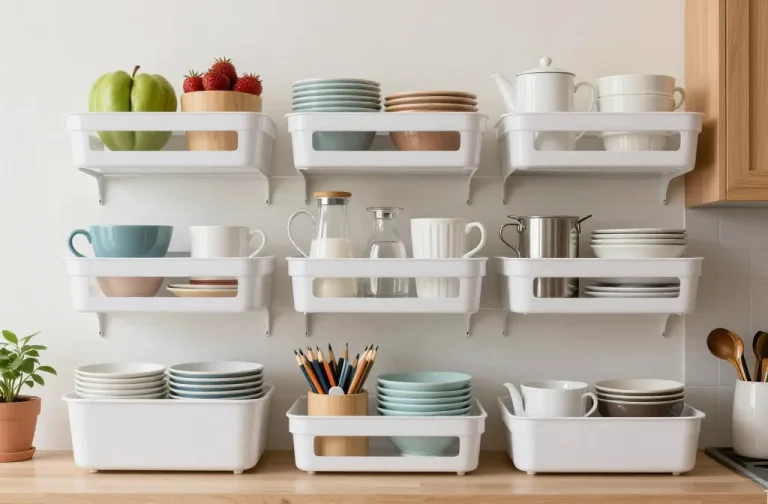
Once the tech is set, you need to handle the physical objects. “Dead space” on the side of a fridge is perfect for this. Most people forget that vertical storage is their best friend.
Tools for the Build
- Hidden Charging Station: Use a Qi2 wireless charging pad. It fits under the counter or on a shelf. 88% of phones now use this, and it kills the “cord nest” look.
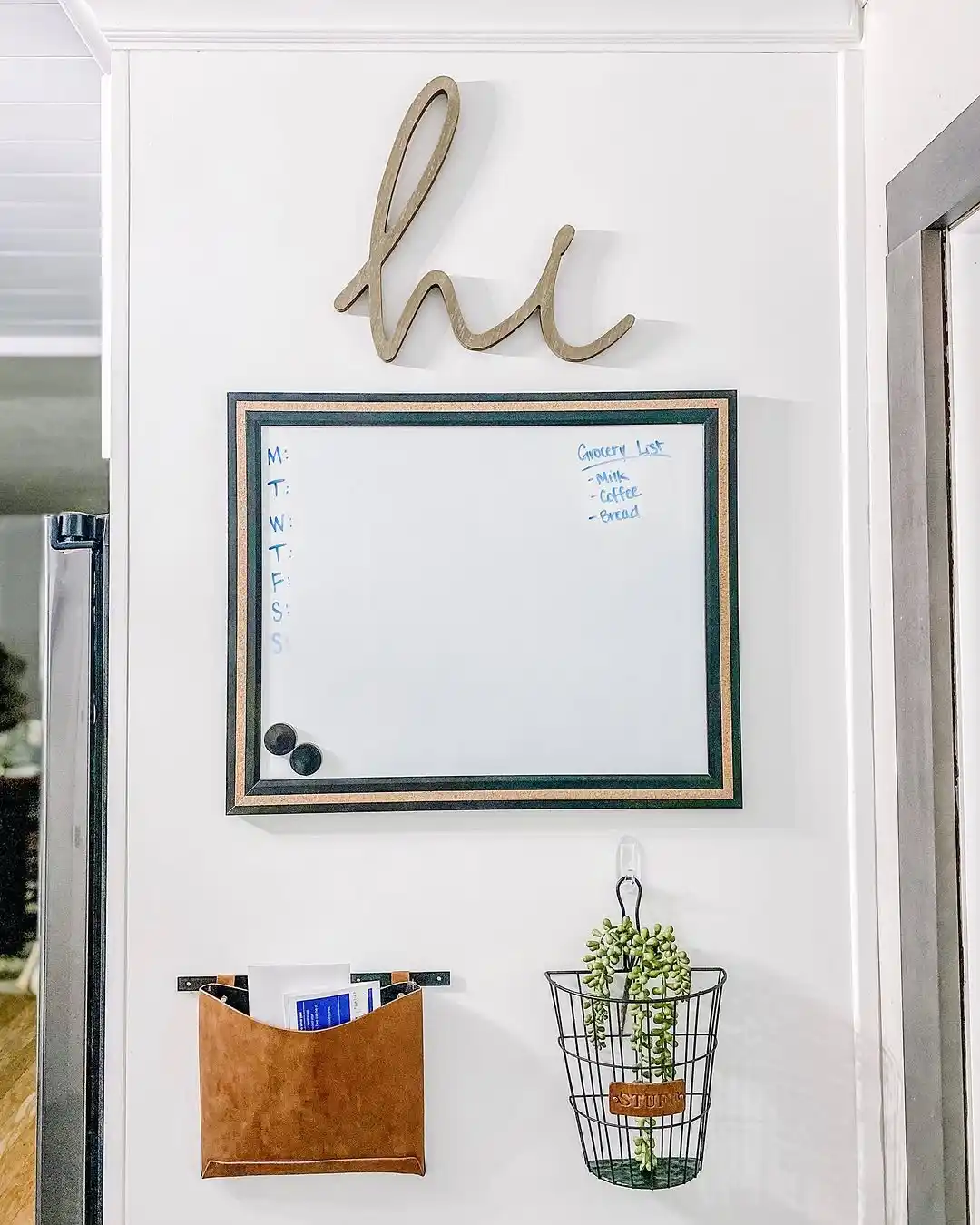
- Magnetic Trays: Stick these to the fridge for mail and pens.
- Automated Lighting: Motion-sensor LEDs under your hub shelves help you see at night.
- The “Key Dock”: A specific spot for every set of keys in the house.
You can use the IKEA Kitchen Planner to see how these fit before you buy anything. A good kitchen organization system makes sure every item has one home.
Kitchen Hub
Qi2 Wireless Pad
A hidden charging spot that kills the “cord nest.” 88% of modern phones are now Qi2 compatible for fast, invisible power.
Magnetic Trays
Use the vertical space on your fridge. These trays act as a central sorting station for daily mail, bills, and pens.
Auto-LED Lighting
Motion-sensor strips under the counter provide instant light for late-night checks, requiring zero switches or manual effort.
The Key Dock
A designated “Home Base” for every set of keys. If it’s not in the dock, it’s lost. Standardize the spot to end the morning search.
How to Build a Routine That Sticks
A command center only works if you use it. Professional organizers suggest using “Zones.”
The Act Zone is for things you need today. The Store Zone is for things you need this week. The File Zone is for long-term papers.
The Rule of Immediate Action
When you walk in the door, don’t put things on the table. Put keys on the hook and mail in the tray right away. This family routine stops the mess before it starts. Use these productivity hacks to manage mail organization:
- Recycle junk mail before it touches the counter.
- Scan school forms into your digital hub immediately.
- Check the digital calendar every night before bed.
Start Your Organized Home Today
Building a kitchen command center takes the pressure off your daily life. You have seen how to pick a spot, choose your tech, and set up a workflow. You don’t have to fix the whole kitchen at once.
Pro-Tip for 2026: If your counter is covered in cords, switch to a Qi2 wireless pad. It keeps the area clean and works with almost every new phone.
Your First Step: Clear one 24-inch section of your kitchen counter today. Once that space is empty, you can start building the hub your family deserves.